🎉 Introducing Customizable Standups, Due Dates, and Stale Ticket Notifications!
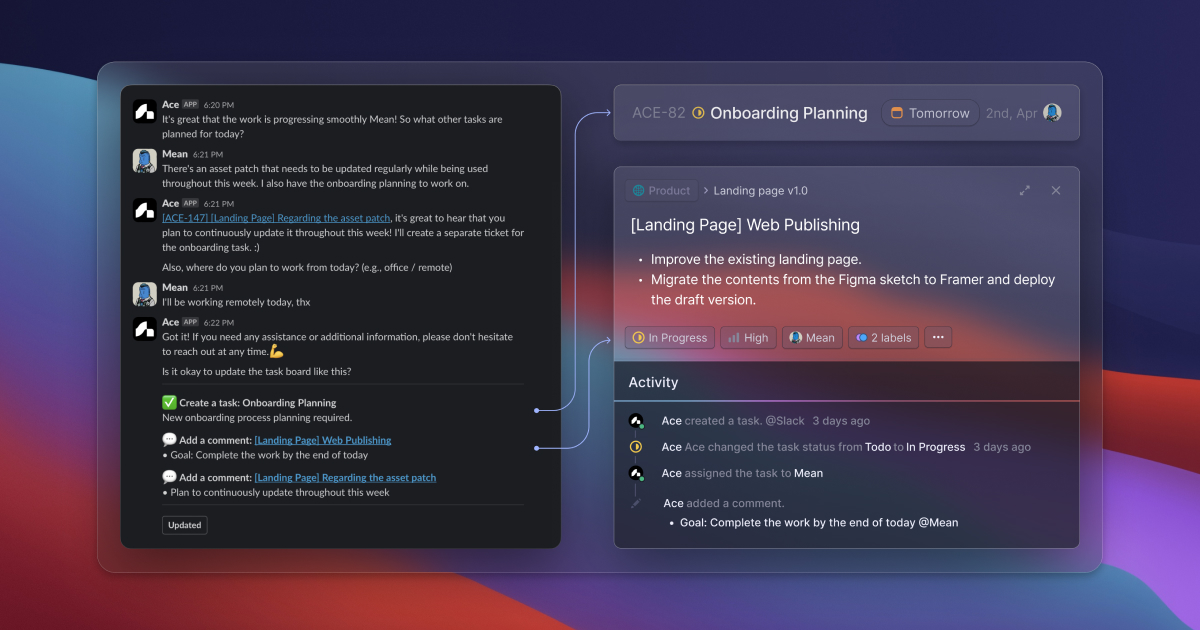
We're thrilled to announce that you can now freely set up standups, due date reminders, and stale ticket notifications on your dashboard, tailored to your team's preferred workflow! 🙌
How to Set It Up? 🤔
To get started, simply follow these steps:
Choose the title, content, scenario type, participants, and report channel for the scenario you want to create. 📝
Please note that currently, you can only select one publicly available channel for the report.
Schedule ⏰
Set the time when you want to receive messages from Ace based on the configured scenario.
You can set the time and days, which will be based on the user's current time zone.
For Due Date and Stale Ticket, Ace will check for any tasks that match the "Notification Setting" criteria based on the time set in the Schedule. We recommend setting it to check daily, regardless of the time.
Questions (for Standups)❓
Freely add questions that Ace must ask during the standup.
If the question is related to a task that should be included in the work, check "Task Related." The conversation context will be reflected in the ticket.
Notification Setting (for Due Date and Stale Ticket) 🔔
Due Date: Set the criteria for the remaining time until the deadline. e.g., 6 hours setting → Notifies about tasks 6 hours before the deadline.
Stale Ticket: Set the criteria for the period of no updates. e.g., 3 days setting → Notifies about tasks that haven't been updated for 3 days.
Get ready to streamline your team's workflow with these awesome customization options! 😄